

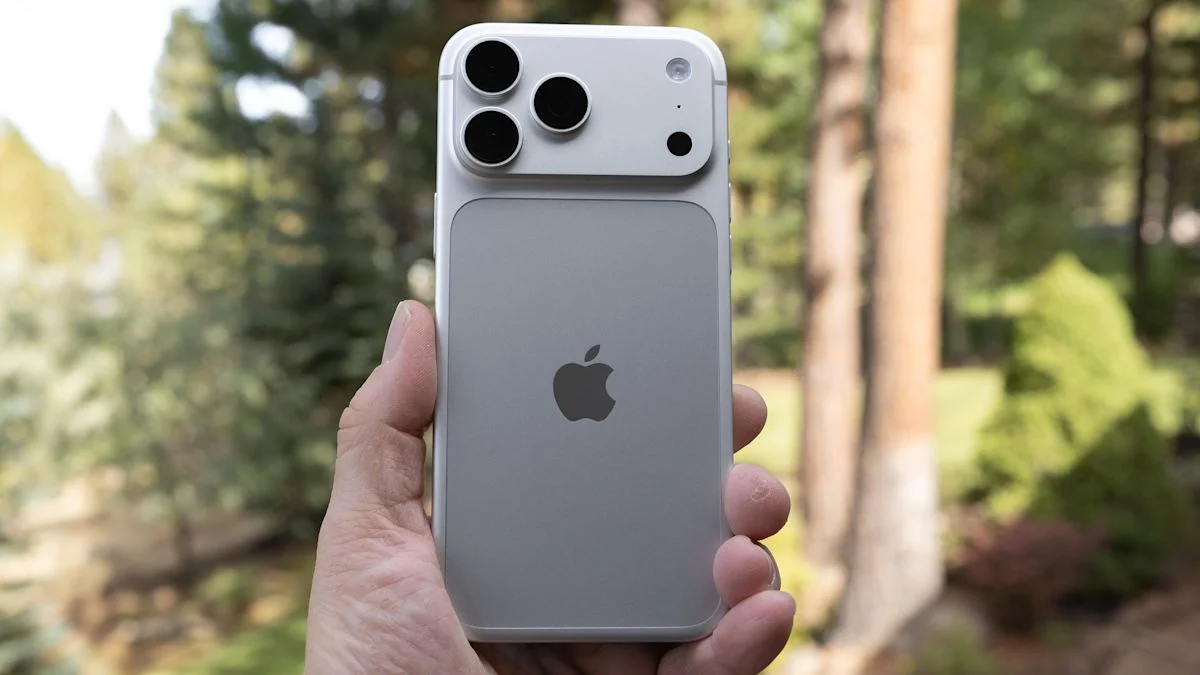
DPReview’s tests found that iPhone 48MP photos look only subtly different from default 24MP HEIC images in good light, despite files roughly twice as large; use high resolution for detailed, well-lit scenes, not low light, where it can mean more noise.
On supported iPhones, enable resolution controls in Settings > Camera > Formats, then choose a format in the Camera app. DPReview found that ProRAW’s main benefit is more control over processing; among Raw files, 48MP images showed considerably more detail than 12MP ones.
According to The Verge, manually changing shutter speed or aperture on iPhone 18 Pro triggers a single exposure instead of the usual multi-shot capture. DPReview found this can mean more noise and less detail in low light, and that F1.8 was sharper than F1.48. The 2x and Pro 8x crop modes use a quarter of the respective sensor area; the larger main-camera sensor is preferable for image quality, especially in low light.
